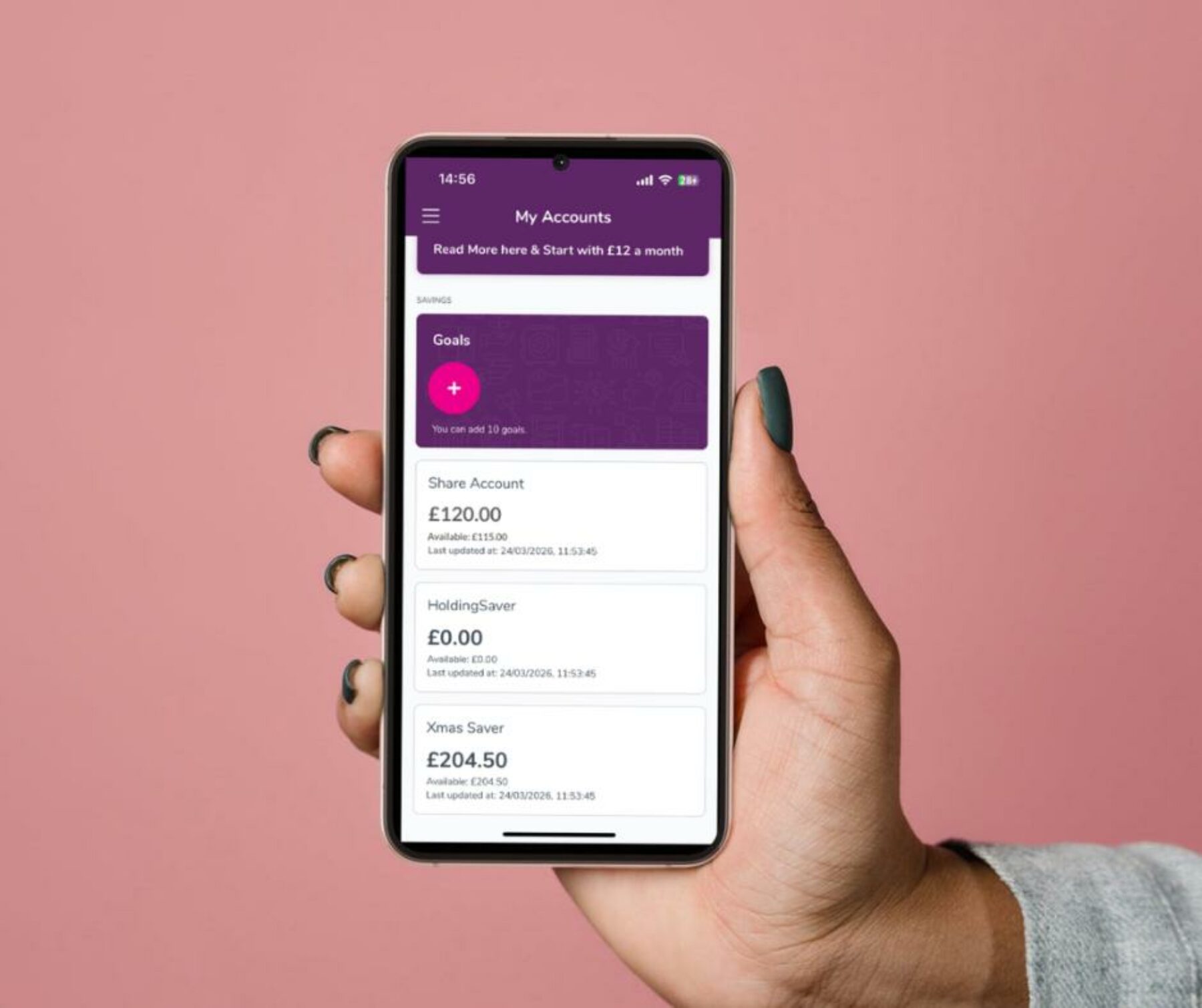
We’ve created a quick and easy step-by-step video to help you withdraw money from your Share Account using the Derbyshire Community Bank app.
Managing your savings has never been easier as you can complete a withdrawal anytime, directly from your phone.
You can follow along with our full tutorial here:
👉 https://www.youtube.com/watch?v=B3iQgyWJlsk
Withdrawing from your Share Account is simple:
Before making a withdrawal, please keep in mind:
This video is part of our ongoing effort to make managing your account as simple and accessible as possible. We hope it helps you feel confident using the app and reduces the need to contact us for support.
If you have any feedback or suggestions for future guides, we’d love to hear from you.