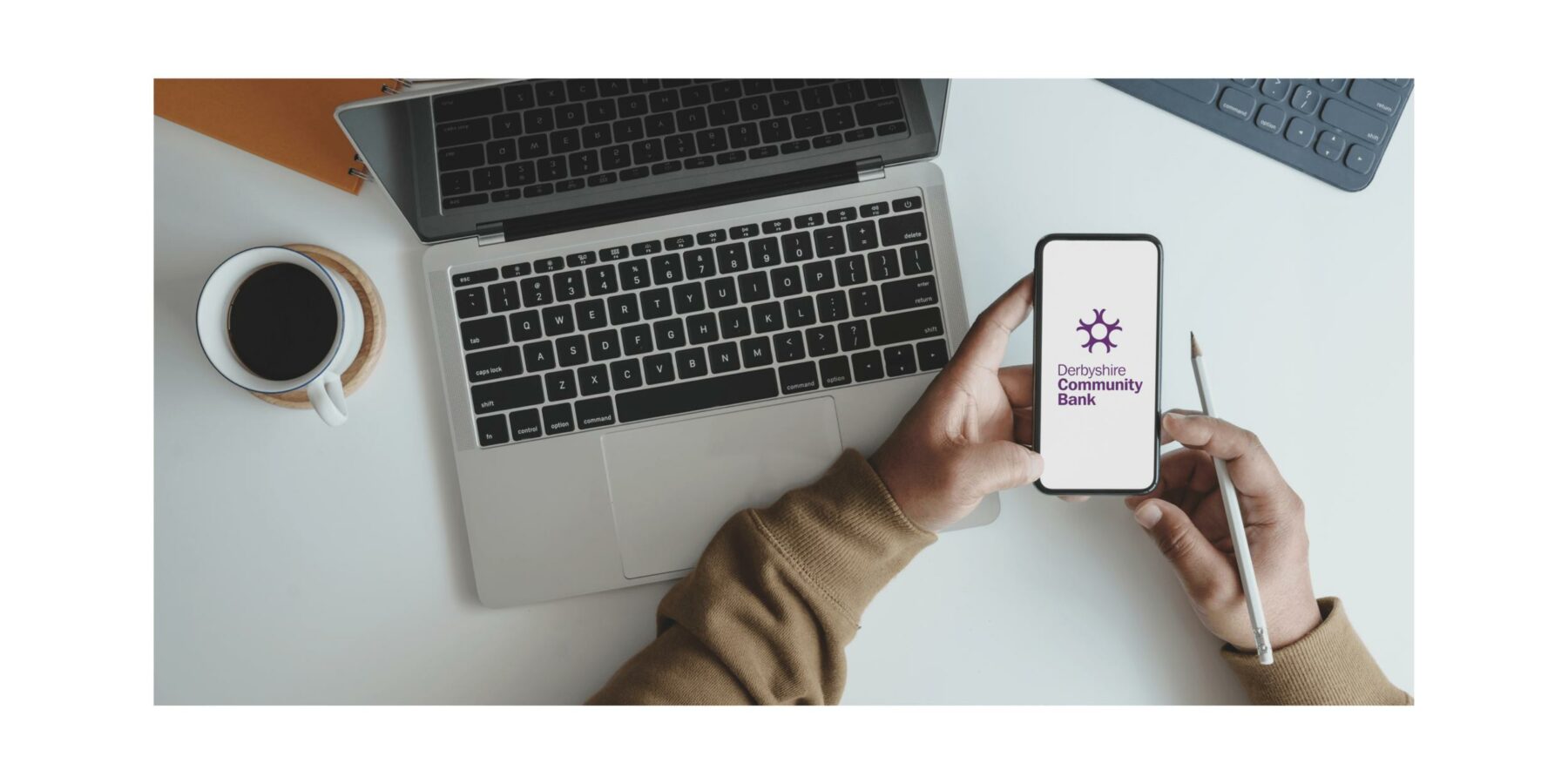
Manage your money anywhere, anytime by downloading our app. It’s free, easy & secure.
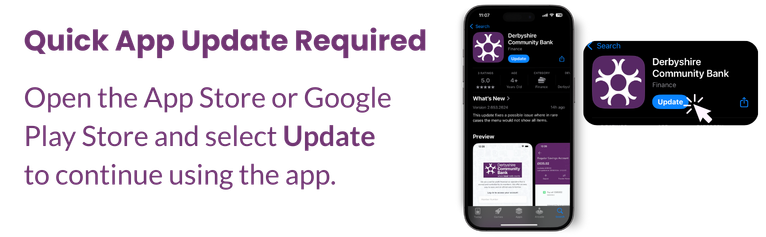
If your app isn’t loading or you’re prompted to update, simply visit your App Store and tap “Update” (where it may usually say “Open”).
If you continue to experience any issues, please send us a secure message or contact us directly, we’re happy to help.
Simply head to the Google Play or Apple App Store and search for ‘Derbyshire Community Bank’, download the app and then get started!
89% of our Members prefer our Mobile app compared to using a laptop, tablet, computer.
How to Download our App videoWe encourage you to manage your finances conveniently using the Derbyshire Community Bank mobile App, click the button below for our YouTube tutorial on “How to send a message on our App”
Click here